
Lumina Library
Email Data Extractor
Extracts data from specific emails and logs it into your chosen system.
Demo video
Category
Internal Ops & Project Management

Overview
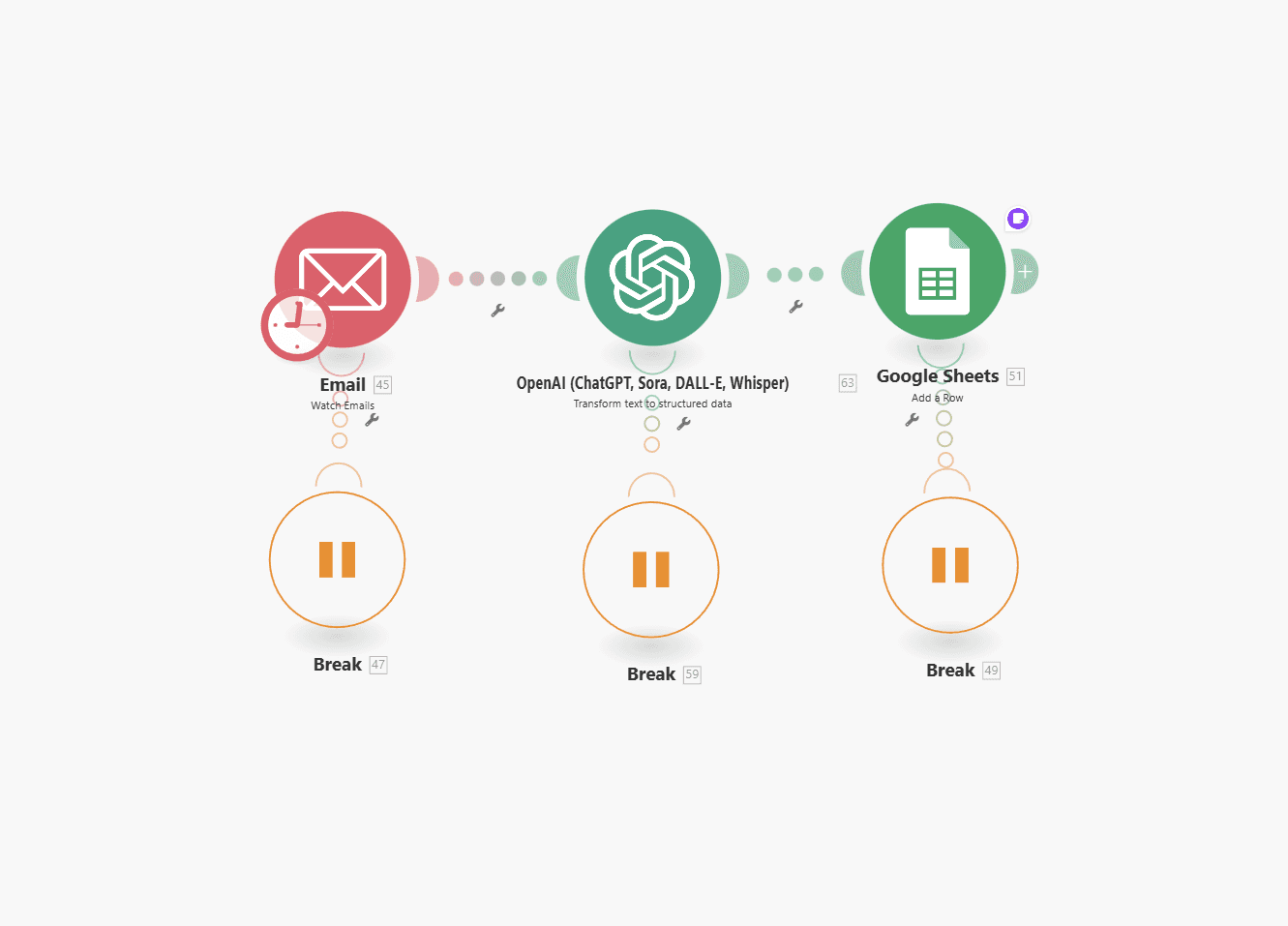
The Email Data Extractor automation saves hours of manual work by automatically reading new emails that meet specific criteria (like a subject line or sender) and extracting structured data from them. It then logs that data directly into Google Sheets — or any other platform of your choice. In this demo, it captures lead details (name, company, role, and budget) from emails, but it can extract any information you define — from contact forms to support tickets to order confirmations.
Features
Multi-Platform Integration
AI-Powered Data Extraction
Flexible Data Logging
Works with
Email, OpenAI, Google Sheets
Notes
Works with any IMAP-compatible inbox (Gmail, Outlook, etc.).
You can modify filters to track multiple email types or subjects at once.
Ideal for sales leads, client onboarding, e-commerce notifications, or customer service automation.
If you have any questions:
Other Templates
More like this
Check our other templates.
Blog Update Tracker
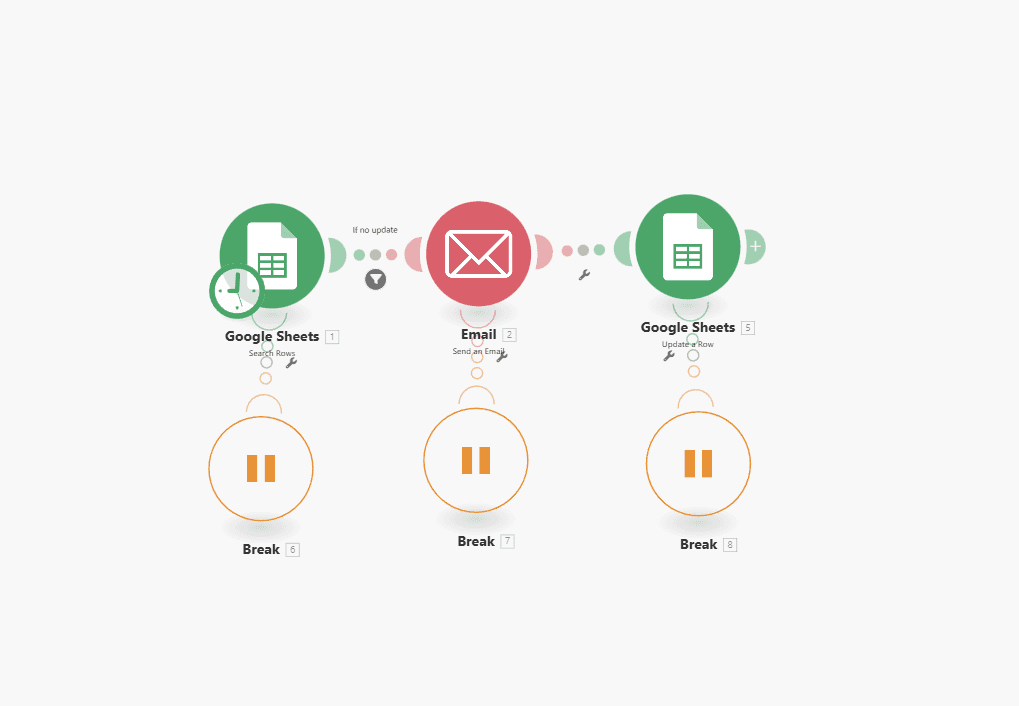
Checks for outdated blog articles
Automated Content Monitoring
Smart Email Alerts
Auto-Status Update
€130
Automatic Article Translator
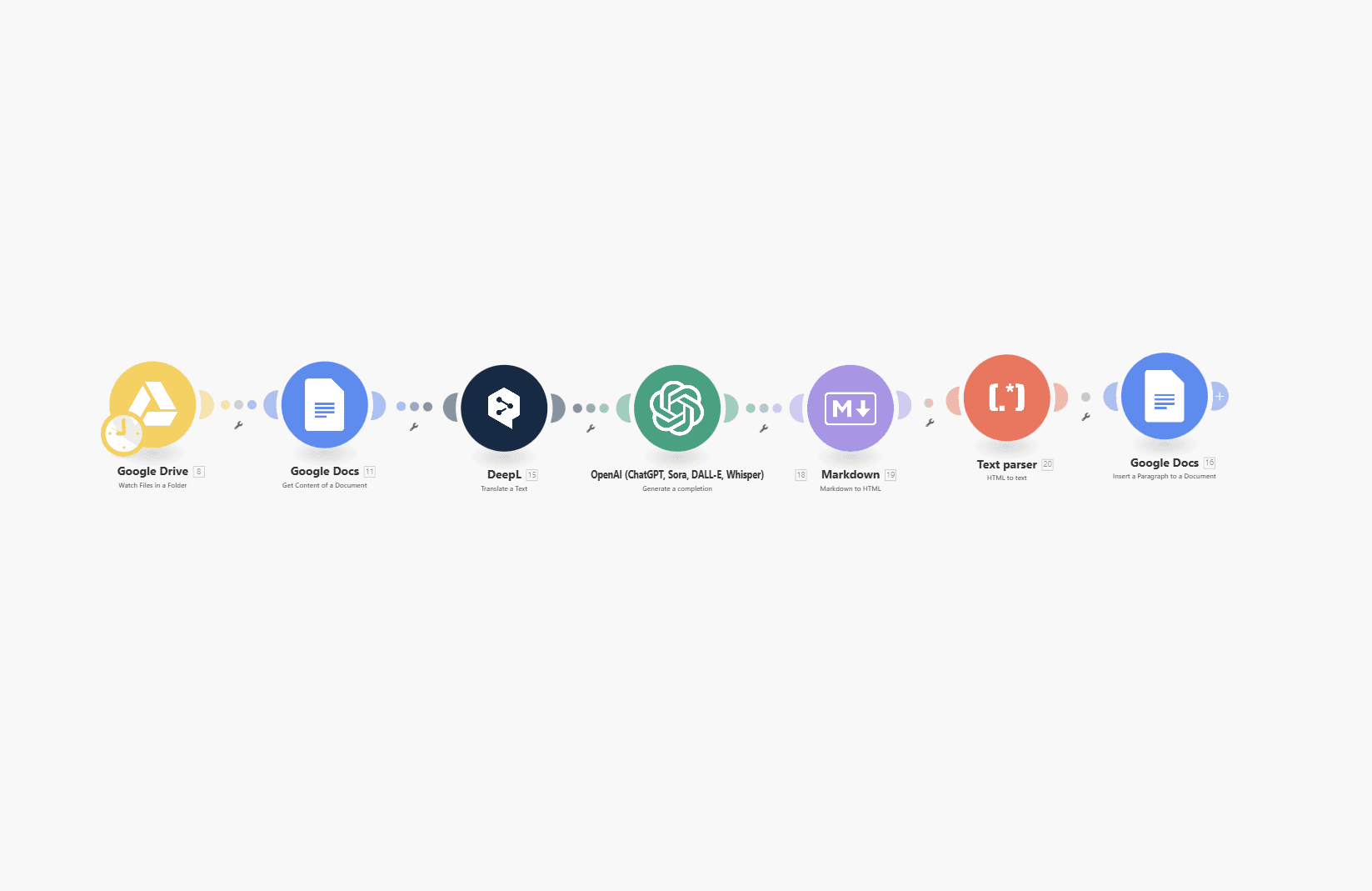
Translates your original articles to any target language of your choice.
Automated File Detection
High-Quality AI Translation
Inline Document Output
€310
Backlink Finder
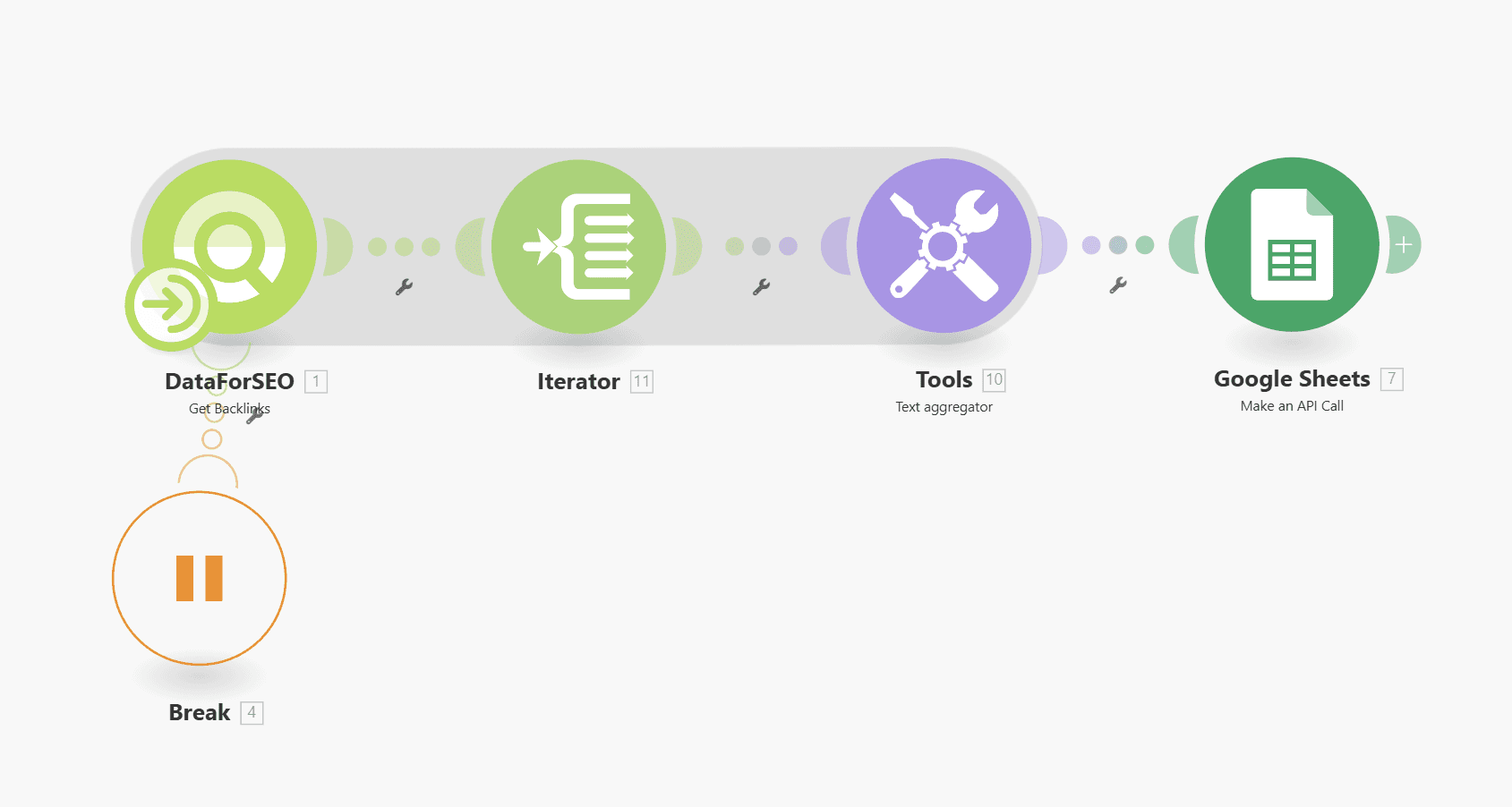
Automatically finds and saves live backlinks for any website into Google Sheets.
Bulk Backlink Discovery
Comprehensive Link Data
Instant Sheet Export
€98

Automated Slack Messages
It automatically sends scheduled Slack messages for weekly check-ins or any recurring team updates.
Automated Weekly Messaging
Fully Customizable Prompts
Multi-Channel Flexibility
€95
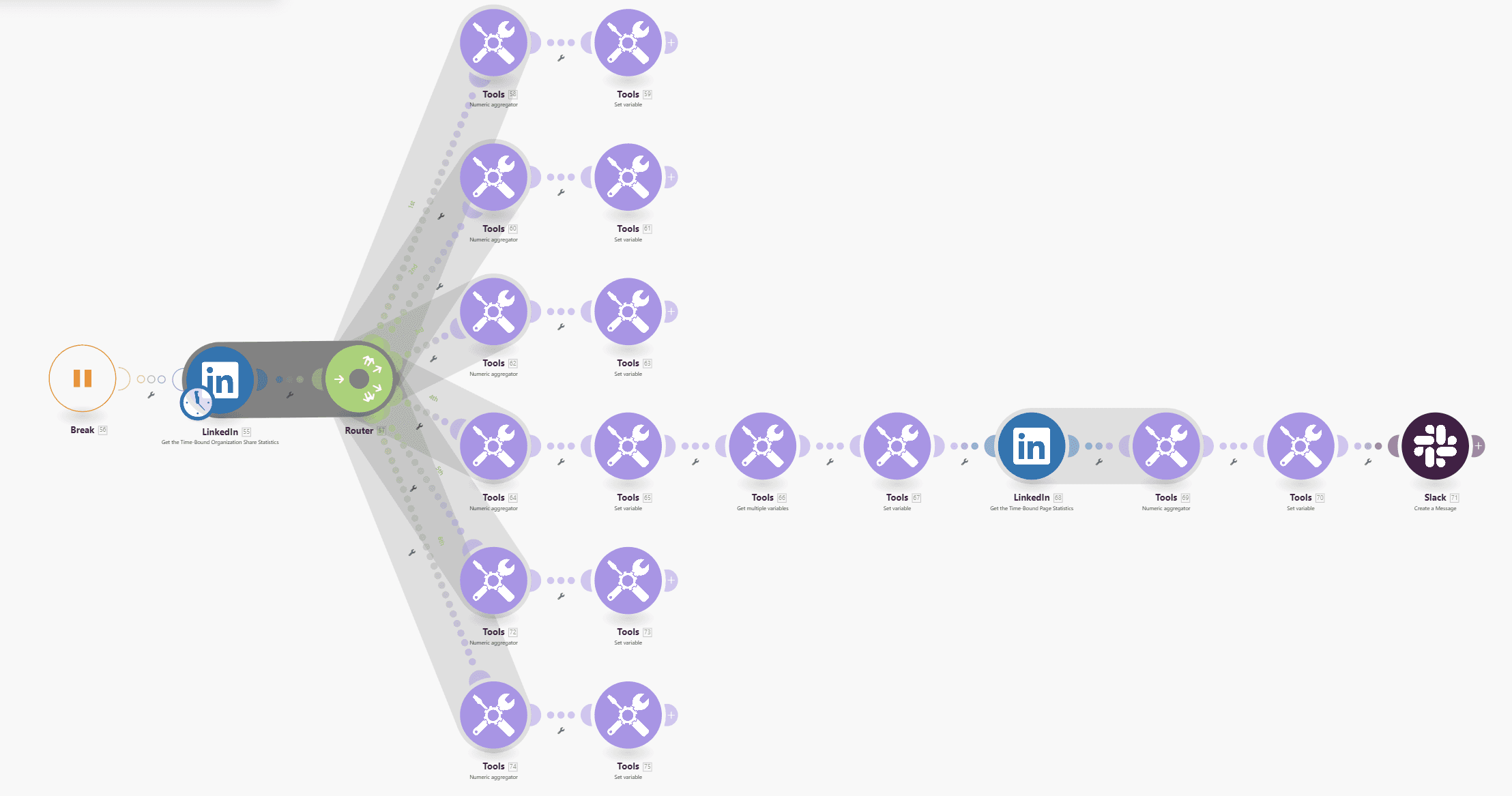
Automated LinkedIn Reporting on Slack
Automatically collects your LinkedIn analytics and sends a performance report to Slack.
Automated Weekly Reports
Smart Metric Aggregation
Slack-Optimized Design
€170
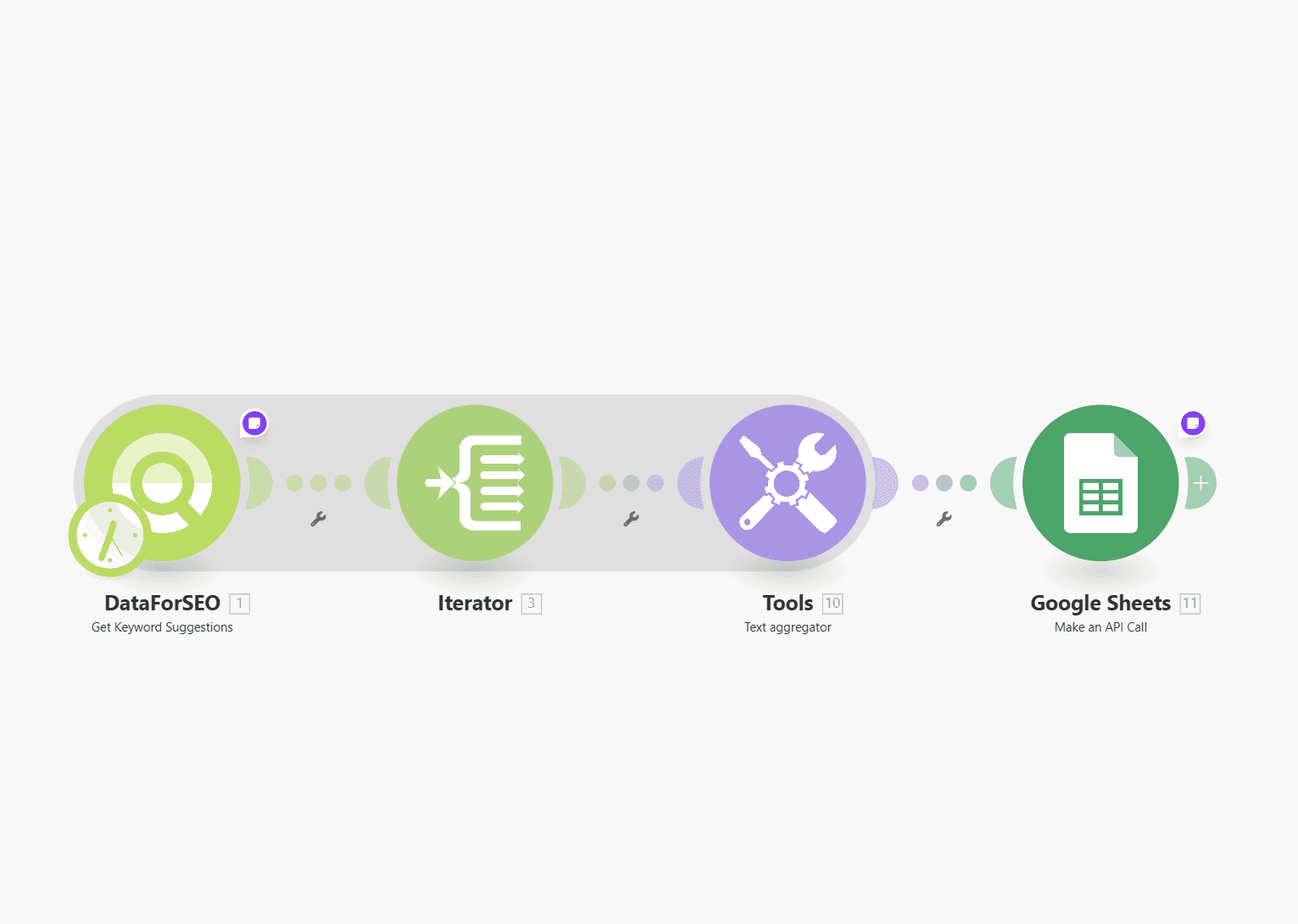
Keyword Suggestions Generator
Automatically finds and saves SEO keyword ideas with search data into Google Sheets.
Up to 1,000 keywords at once
Rich SEO Metrics
Instant Export to Sheets
€98
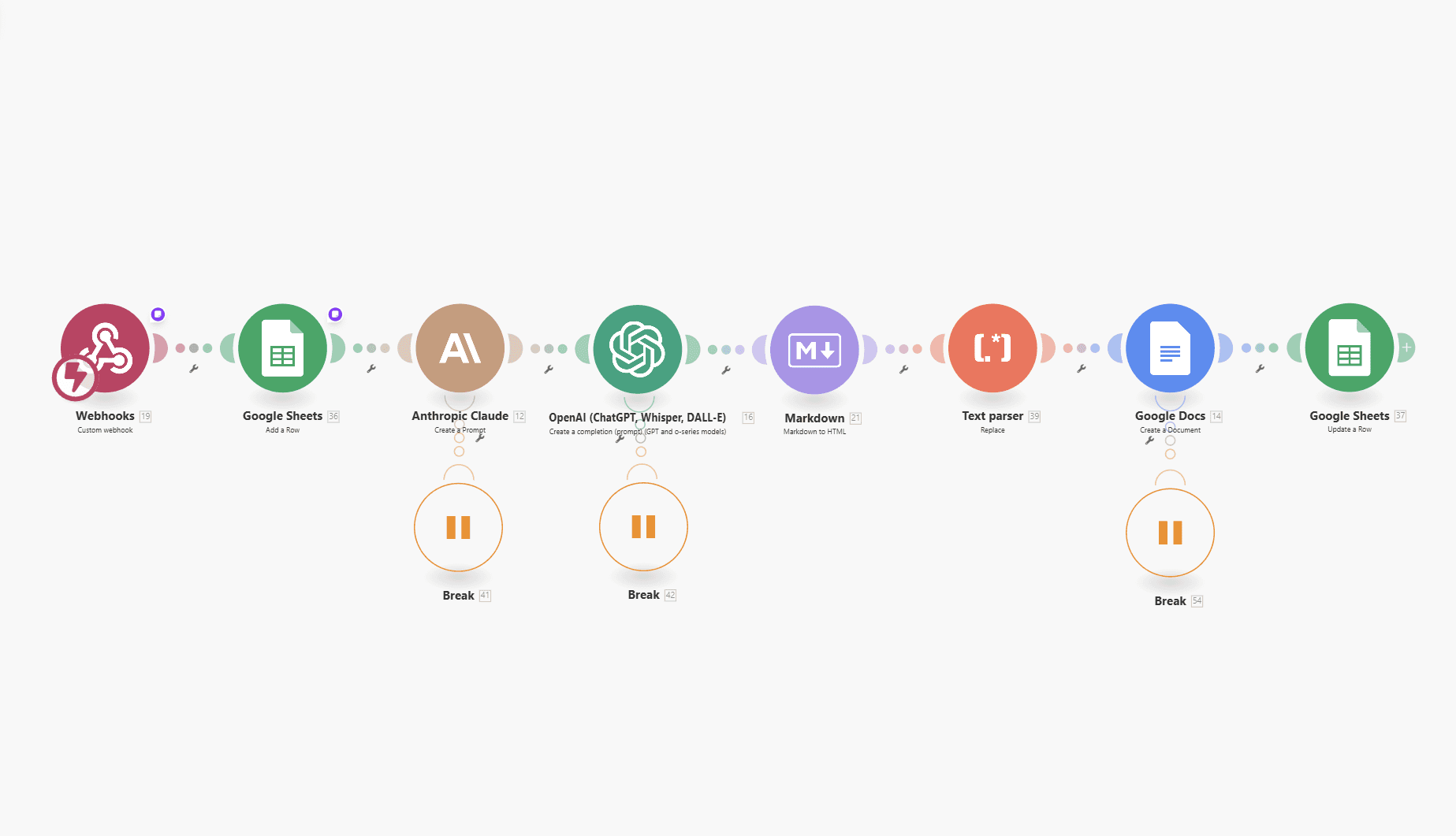
Automated Blogwriter
Writes seo-optimized blog posts in minutes
End-to-End Blog Generation
Dual-Model Intelligence
Google-Integrated Output
€245